


10
MayAffidavit Rules: Avoid Delays and Get It Right in 2026
A notarized affidavit is a sworn statement signed in front of a licensed notary public or commissioner who verifies identity, administers an oath, and completes the jurat with seal, date, and location. In Ontario, notarized affidavit requirements include valid photo ID, your live presence (in person or approved remote), and an unsigned draft. Rathod Law Firm serves residents across Ontario with practical, fast commissioning.
By Kapil Rathod • Last updated: 2026-05-10
Start Here: Summary and Table of Contents
To get an affidavit notarized in Ontario, bring an unsigned final draft, government-issued photo ID, and all labeled exhibits. Sign only in the notary’s presence (in person or approved remote). The notary verifies identity, administers an oath or affirmation, witnesses your signature, and applies a seal, date, and jurisdiction.
Use this complete guide to move from draft to accepted affidavit without rework. It reflects how we commission affidavits daily at Rathod Law Firm for immigration, family, traffic, small claims, and general needs in Ontario.
- What a notarized affidavit is—and what it is not
- Why strict requirements matter for court and agency acceptance
- Step-by-step process with timing, tips, and a process table
- Types of affidavits and when to use each
- Remote vs. in-person commissioning in Ontario
- Requirements checklist and best practices
- Practical tools, templates, and case snapshots
- FAQ and key takeaways to save you time
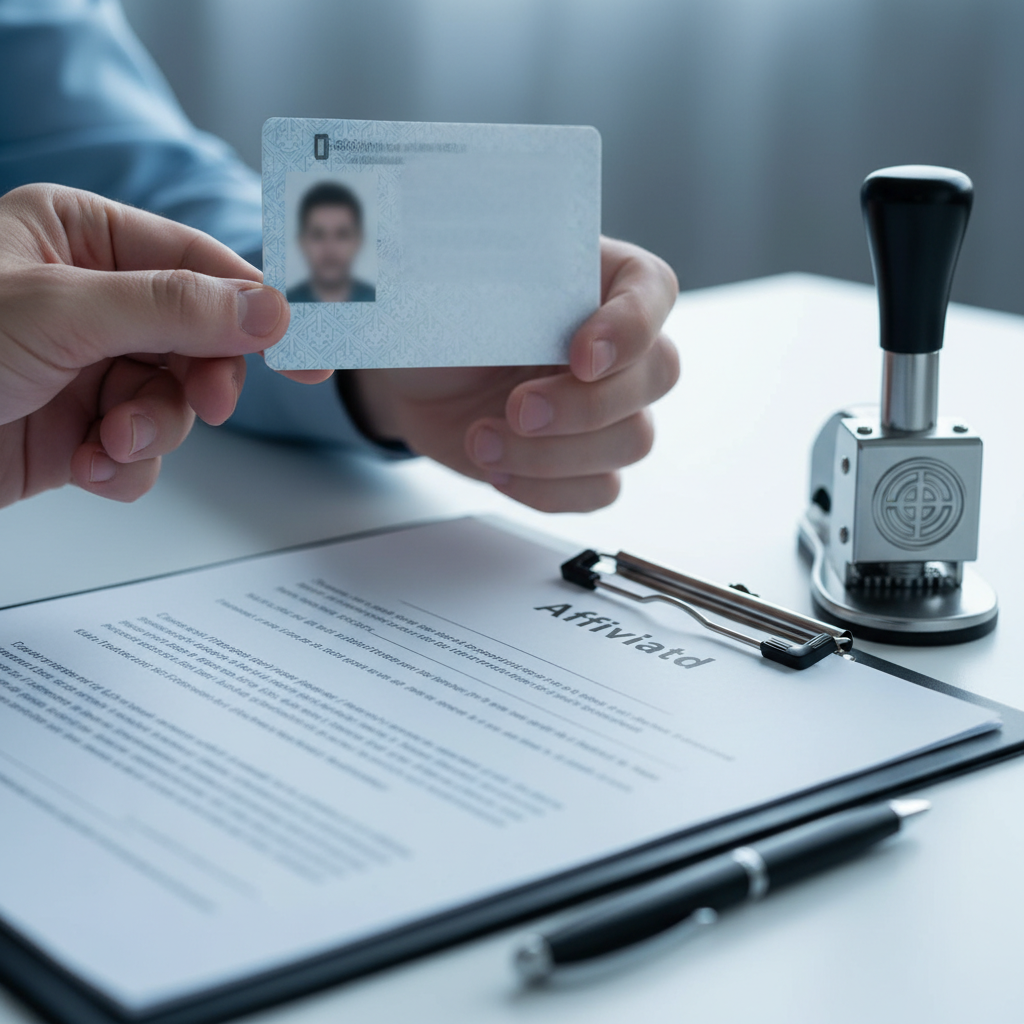
What is a notarized affidavit?
A notarized affidavit is a written, sworn statement you sign under oath before a licensed official who verifies identity and witnesses your signature. The official completes the jurat with seal, date, and jurisdiction, converting your statement into sworn evidence that courts, government offices, and institutions can rely on.
In our Ontario practice, most affidavits run one to three pages plus exhibits. The oath itself takes less than two minutes. Identity checks and page-by-page reviews bring a typical appointment to 10–15 minutes. If exhibits need labeling or multiple deponents are involved, plan 20–30 minutes.
- Affiant (deponent): The person swearing the facts are true.
- Notary public/commissioner: The official who confirms identity, administers the oath or affirmation, and seals the document.
- Exhibits: Attachments referenced in the affidavit (letters, screenshots, receipts), each labeled as Exhibit “A,” “B,” and so on.
- Jurat: The clause stating when and where it was sworn/affirmed and by whom it was administered.
Pro tip: Print single-sided pages for clean embossing and stamping. For remote sessions, have legible PDFs ready; unclear scans commonly add 5–10 minutes while we request replacements.
Why notarized affidavit requirements matter
Meeting affidavit requirements protects admissibility and credibility. Errors like pre-signing, mismatched names, or missing exhibits can invalidate the oath or cause rejection, forcing rewrites and repeat visits. Getting ID, presence, oath, signature, and sealing right the first time prevents bottlenecks.
We routinely see three failure points: signing before the appointment, bringing expired or inadequate ID, and inconsistencies between the affidavit and the exhibits. Each mistake adds 10–20 minutes and sometimes an extra day if rebooking is required. Prepared affiants who follow the checklist almost always complete commissioning in one sitting.
- Admissibility: Courts and agencies expect a proper jurat (date, location, signature, seal). Missing fields lead to rejection.
- Authenticity: Live presence (in person or approved remote) ensures the signature is yours and contemporaneous.
- Efficiency: Numbered paragraphs and labeled exhibits reduce confusion and speed reviews by 5–15 minutes.
How the notarization process works
Bring an unsigned affidavit, valid government-issued photo ID, and all exhibits. The notary verifies identity, confirms you understand the contents, administers an oath or affirmation, witnesses your signature, and then applies a signature, seal, date, and jurisdiction to complete commissioning.
- Prepare the draft: Finalize text but leave the signature line blank. Number paragraphs for clarity.
- Gather ID: Bring current government-issued photo ID (passport, driver’s license, PR card). Bring name-change proof if applicable.
- Label exhibits: Mark “Exhibit A, B, C…” and reference them inside the affidavit.
- Choose session type: In person or approved remote (ensure stable video and lighting).
- Swear/affirm: You confirm the contents are true under oath or affirmation.
- Sign and seal: You sign in view; the notary completes the jurat and applies a physical or digital seal.
| Step | What you do | Why it matters |
|---|---|---|
| Unsigned draft | Bring final text with a blank signature line | Pre-signing forces a rewrite |
| Valid photo ID | Present government-issued identification | Establishes identity under oath |
| Labeled exhibits | Exhibit A, B, C referenced in body | Prevents filing confusion |
| Oath/affirmation | Answer “Yes” to the oath | Creates sworn evidence |
| Sign before notary | Sign all necessary lines | Completes witnessing |
| Seal and jurat | Notary signs, seals, dates, states jurisdiction | Confers formal validity |
Common affidavit types (and when to use each)
Affidavits serve specific purposes: general purpose statements, affidavits of service, identity/consent affidavits, financial/support affidavits, residence/domicile affidavits, and lost-document affidavits. Choose the narrowest type that matches your requirement and attach exhibits that substantiate each factual point.
- General purpose affidavit: A flexible, fact-based statement for banks, insurers, or administrative bodies.
- Affidavit of service: Confirms when, where, and how documents were served—often critical in small claims and family proceedings.
- Identity/consent affidavit: Useful for confirming relationships, name variants, or parental consent for minors.
- Financial/support affidavit: Used in family matters to attest to income/expenses, often with pay stubs and statements as exhibits.
- Residence/domicile affidavit: Establishes where you live for school, licensing, or benefits.
- Lost/stolen document affidavit: Describes circumstances and steps taken to replace a license, PR card, or diploma.
Remote vs. in-person commissioning in Ontario
Ontario permits remote commissioning if identity and presence can be reliably verified and records are kept. Expect a real-time video call, ID verification, document review, and application of a digital seal and e-signature. In-person commissioning remains preferred for fragile originals or complex, multi-exhibit files.
Remote sessions typically run 10–20 minutes. We ask clients to email PDFs in advance so issues can be flagged before the call. In-person sessions are ideal when you need wet-ink seals on multiple exhibits, or when your institution forbids remote notarization.
- Technology checks: A laptop camera is more reliable than a phone; aim for good front lighting so your ID is readable.
- Recordkeeping: Expect brief questions that confirm understanding and consent to proceed remotely.
- Document integrity: We compare final pages to pre-reviewed versions to ensure nothing changed between review and oath.

The requirements checklist (pass on the first try)
To satisfy notarized affidavit requirements, prepare: an unsigned final draft; valid government-issued photo ID; proof of name changes (if any); exhibits labeled and referenced in-body; and confirmation whether the recipient accepts remote commissioning or needs wet-ink seals and certified copies.
- Draft: Title, deponent details, numbered facts, signature block(s), jurat placeholder.
- ID: Valid government-issued photo ID. If your legal name changed, bring marriage or change-of-name certificate.
- Names: Ensure the name on the affidavit matches your ID across all pages and exhibits.
- Exhibits: Label “A, B, C…” and add page counts for multi-page attachments.
- Remote vs. in-person: Verify destination rules to avoid duplicating the commissioning.
- Copies: Request certified true copies if multiple recipients require originals.
Best practices from a commissioning desk
Write plainly, tie every fact to an exhibit, avoid opinions, and keep dates consistent across the affidavit and attachments. Arrive with legible documents and unexpired ID. Ask for certified copies during the same appointment to save a second trip.
- Plain language: Short sentences and concrete facts reduce questions and speed the oath.
- One fact per paragraph: Makes later reference or correction straightforward.
- Date hygiene: Use a single date format and ensure exhibits support the timeline.
- Never pre-sign: Signing beforehand invalidates the act and triggers a rewrite.
- Consistency audit: Names, spellings, and addresses must match across ID, affidavit, and exhibits.
- Backup copies: Extra printouts prevent delays if seals need spacing or a page is damaged.
Eligibility and acceptable identification in Ontario
Bring current government-issued photo ID such as a passport, driver’s license, or PR card. If your legal name changed, bring proof (marriage certificate or legal change-of-name). The name on your affidavit must match your ID exactly, including middle names or initials when required.
- Primary ID: Passport, Canadian driver’s license, PR card, or provincial photo card.
- Secondary support (if needed): Marriage certificate, change-of-name certificate, or citizenship certificate to align names.
- Expired ID: Avoid it; expiration commonly causes rebooking and delays in filing.
Real-world use cases we handle
Affidavits commonly support immigration filings, family proceedings, traffic and small claims matters, banking/insurance verifications, and lost-document replacements. Destination rules vary, but commissioning fundamentals—ID, oath, presence, seal—remain constant.
- Immigration: Relationship history or travel chronology with photos and boarding passes as exhibits.
- Family law: Parenting arrangements or income statements with calendars and pay stubs attached.
- Traffic/small claims: Affidavit of service or vehicle condition with photos and receipts.
- Banking/insurance: Identity confirmation or loss explanations that reference incident numbers.
- Education/employment: Name variance or credential confirmation backed by diplomas and letters.
Need a notary today? Our Ontario team commissions affidavits for immigration, family, traffic, and small claims matters. Book a quick appointment with Rathod Law Firm.
Local considerations for Ontario
- Confirm whether the receiving office accepts remote commissioning; some Ontario courts and agencies still prefer wet-ink seals for multi-exhibit filings.
- Winter weather and holiday periods can slow in-person appointments; book early if you’re aligning with a court or school deadline.
- Name variance is common; bring supporting proof (marriage certificate or change-of-name) so we can align the affidavit to your current legal name.
Frequently Asked Questions
Affidavits must be signed in front of the notary or commissioner, with valid ID and an oath or affirmation. Do not sign in advance. Remote commissioning is allowed in Ontario when identity and presence are verified and basic records are kept.
Can I notarize an affidavit that I already signed?
No. You must sign in front of the notary or commissioner. If you pre-signed, reprint or create a new signature page and sign during the appointment so the official can witness and seal properly.
What ID is required for an affidavit in Ontario?
Bring valid government-issued photo ID, such as a passport, Ontario driver’s license, or PR card. If your legal name recently changed, bring supporting proof like a marriage certificate or change-of-name certificate so the affidavit matches your ID.
Are remote or online affidavits accepted?
Ontario permits remote commissioning if identity and presence can be verified by live video and basic records are kept. Confirm the destination’s policy first; some courts and agencies still require in-person signing and wet-ink seals for complex filings.
What’s the difference between an affidavit and a statutory declaration?
Both are written statements. An affidavit is sworn under oath; a statutory declaration is a solemn declaration without a religious oath. Institutions specify which they require. The commissioning process—ID, presence, witnessing, and sealing—is similar.
Conclusion and key takeaways
Success with affidavits comes down to five pillars: an unsigned final draft, valid photo ID, live presence, a clear oath or affirmation, and a complete jurat with seal, date, and jurisdiction. When exhibits and names align, first-pass acceptance is the norm.
- Key takeaways:
- Never sign before your appointment; it invalidates the act.
- Match names across ID, affidavit, and exhibits; bring proof for any change.
- Use numbered paragraphs and labeled exhibits to prevent confusion.
- Confirm if remote commissioning is acceptable or if wet-ink is required.
- Ask for certified copies during the same visit to save time.